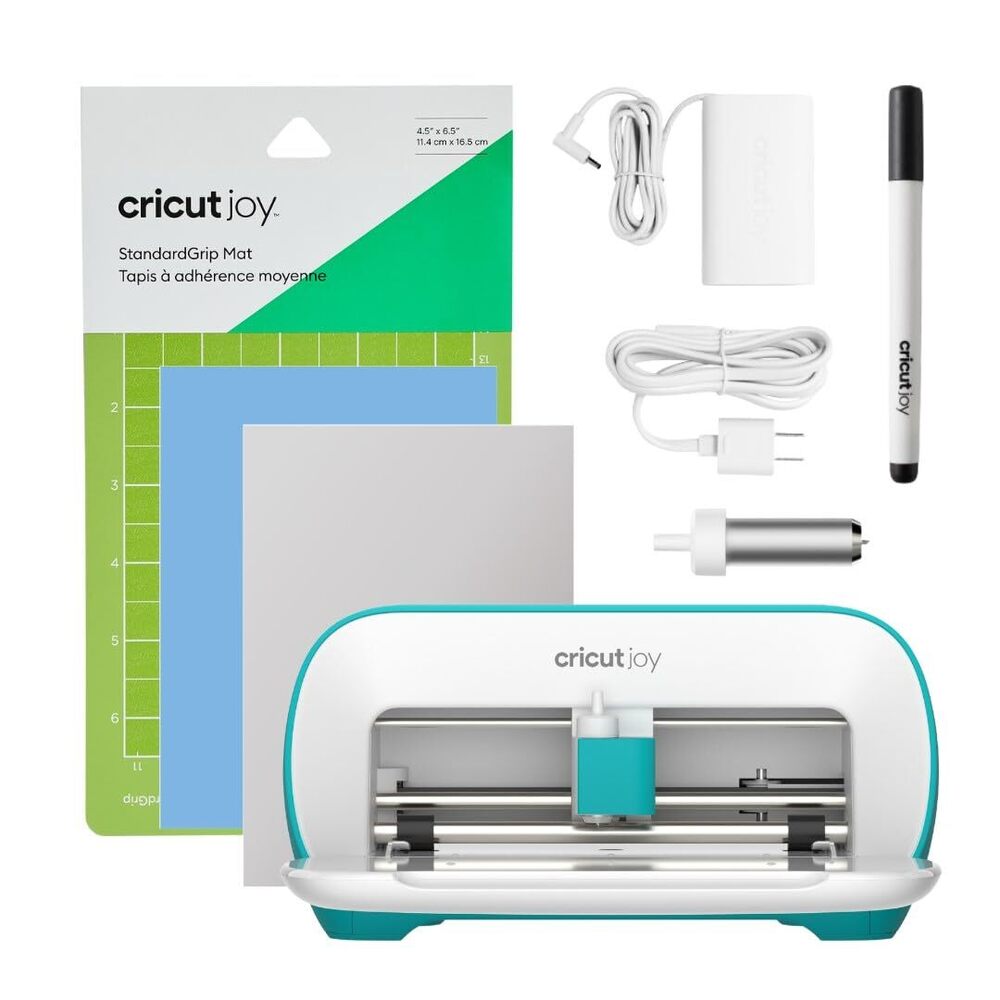
Cricut Joy Cutting and Writing Machine About
Experience the sensational Cricut Joy Cutting and Writing Machine-now on Sale and ready to transform your creative vision into reality. As a noteworthy, compact marvel, this new release boasts excellent cutting precision, handling everything from paper and vinyl to sticker paper and Smart Materials. With Bluetooth connectivity and easy setup, simply pick yours and start crafting! Perfect for card making, labeling, scrapbooking, and more, its low-noise operation and elegant white/teal matte finish make it a must-have for indoor DIY enthusiasts across India.
Versatile Applications for All Surfaces and Projects
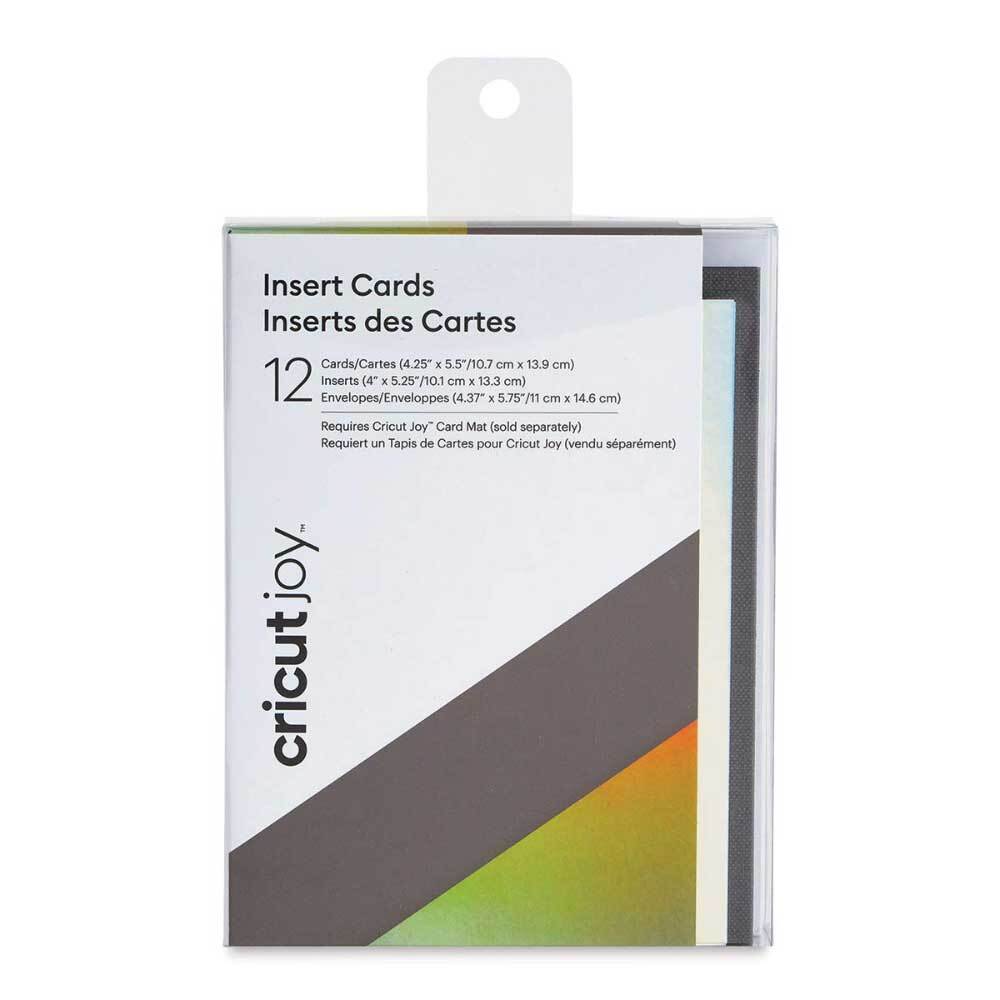
The Cricut Joy Cutting and Writing Machine excels across numerous application areas, supporting surfaces like paper, cardstock, vinyl, sticker paper, and iron-on materials. Whether you're customizing cards, organizing with stylish labels, or embellishing scrapbook pages, the machine delivers consistent precision. Its compatibility with Smart Materials allows for extended, repeated cuts-ideal for both professionals and hobbyists seeking excellence in every project.
Reliable Domestic Reach and Trusted Certification
Our shipping process ensures that each Cricut Joy is carefully packed, dispatched, and handed over, safeguarding your product until it reaches your doorstep within the main domestic market of India. We provide shipment tracking and offer sample availability for your evaluation. The machine comes with manufacturer certifications, meeting national quality standards to guarantee performance and reliability-making your crafting journey smooth and secure.
FAQ's of Cricut Joy Cutting and Writing Machine:
Q: How do I set up the Cricut Joy Cutting and Writing Machine for the first time?
A: Begin by connecting your machine to a power source, download the Cricut Design Space software, and pair the device via Bluetooth. Follow the on-screen instructions for a seamless setup process.
Q: What materials can I use with the Cricut Joy?
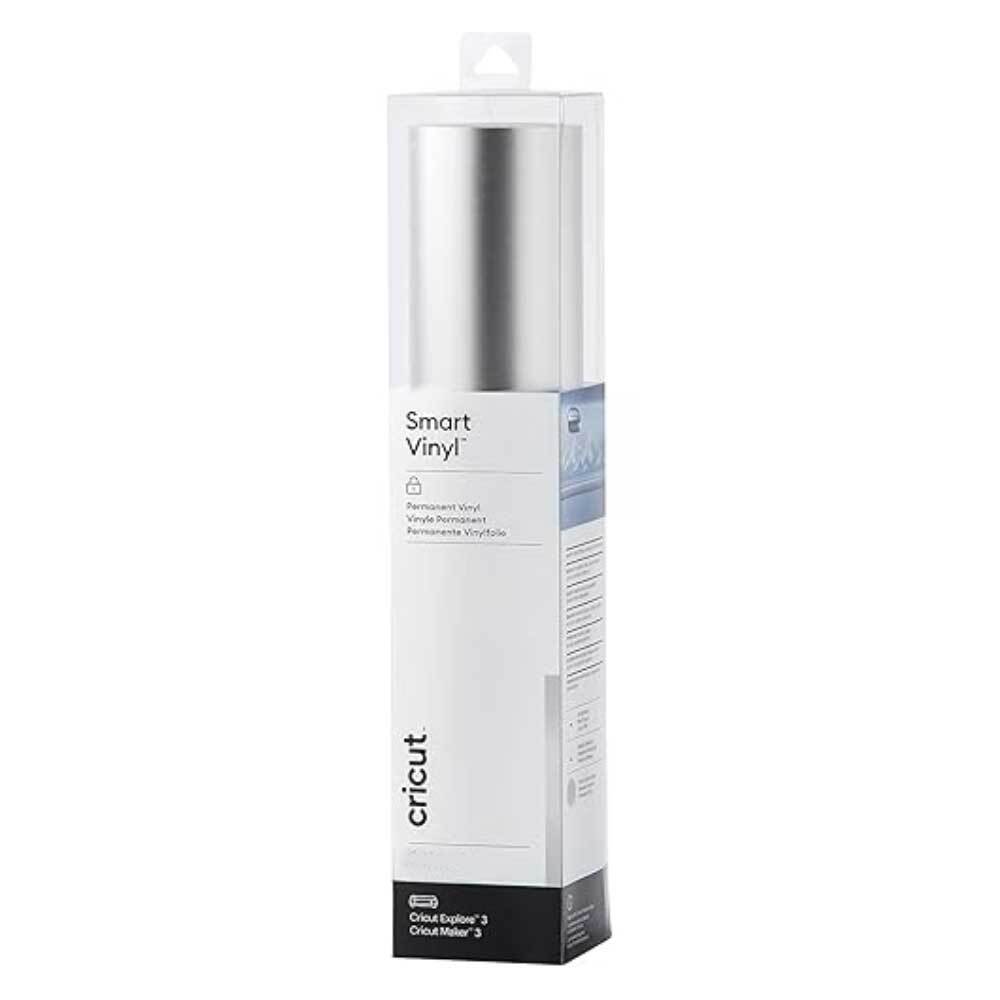
A: The machine is compatible with various materials such as paper, cardstock, vinyl, iron-on, sticker paper, and Smart Materials, making it highly versatile for dozens of DIY projects.
Q: When should I use a mat and when can I cut without one?
A: Use the cutting mat for standard materials like paper and cardstock. For Smart Materials, you can cut up to 20 feet without a mat due to the machine's unique feed system.
Q: Where can I operate the Cricut Joy for best performance?
A: It is designed for indoor use only, with an ideal operating temperature between 5C and 40C, ensuring stable and precise cutting results in a controlled environment.
Q: What is the process for obtaining a sample before purchase?
A: You can request a sample through our authorized supplier or service provider. The sample will be carefully packed and shipped to you for hands-on evaluation before making your purchase decision.
Q: How does Bluetooth connectivity benefit my crafting experience?
A: Bluetooth connectivity allows you to work wirelessly, design projects on-the-go, and conveniently send your creations from the Cricut Design Space app to your machine without tangled cables.





 Send Inquiry



 Send Inquiry
 Send Inquiry
 Send SMS
 Call Me Free