Tablet Skin Making Software About
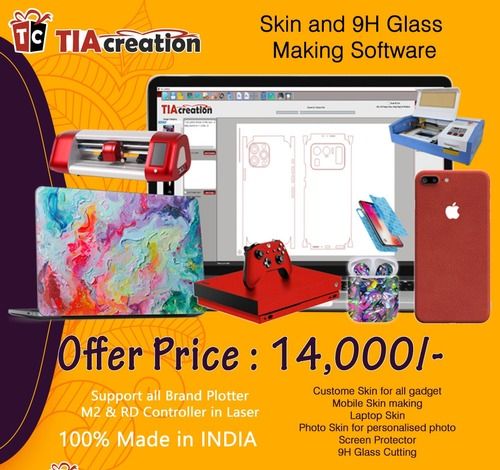
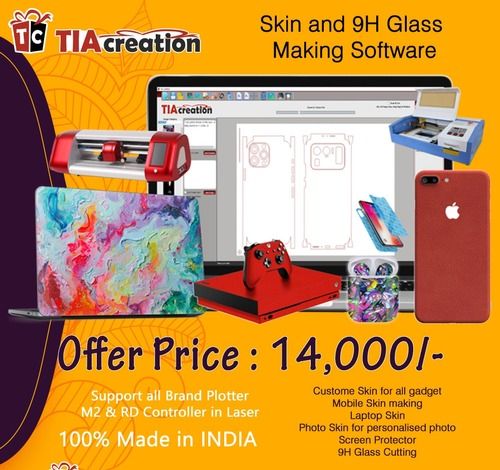
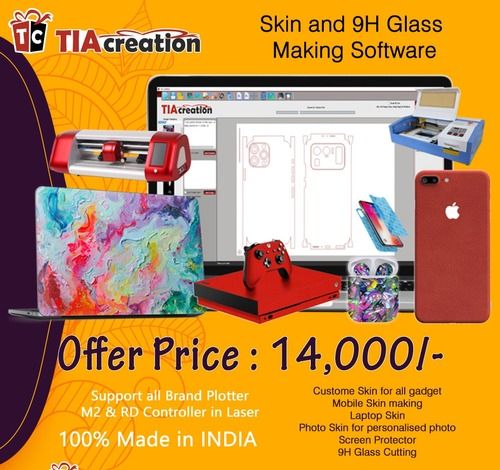
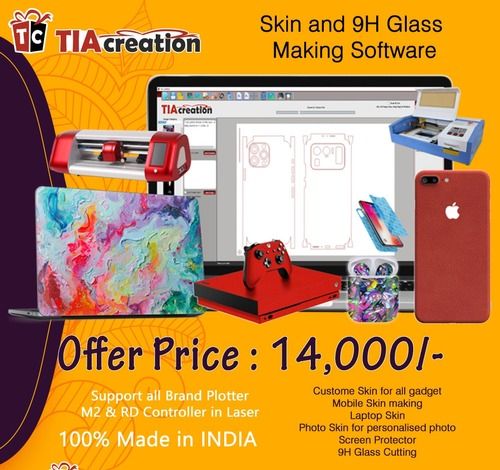
We are developer of the mobile beauty master and laptop beauty master skin software @ low price.Additional Information:
- Delivery Time:A 1 dayWe are developer of the mobile beauty master and laptop beauty master skin software @ low price.
Additional Information:
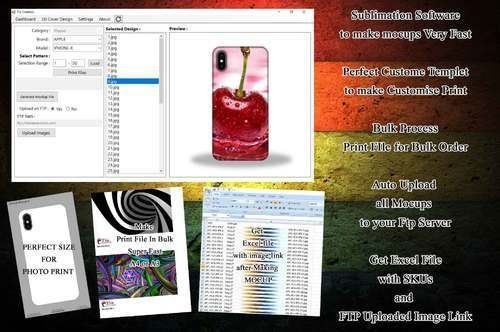
Advanced Design and Printing CapabilityEffortlessly create unique tablet skins using professionally designed templates or your own graphics. The software enables high-resolution exports for quality prints, while supporting popular file formats such as JPG, PNG, SVG, and BMP for import. Output your final designs directly in JPEG, PNG, or PDF to ensure printing compatibility.
Smart Workflow and Customization OptionsUtilize inbuilt templates and advanced color management features (RGB/CMYK palette) for complete creative control. Whether you're working solo or managing a team, the software's multi-user access and authentication ensures efficient, secure collaboration. Automatic online updates keep features current without interruptions.
User-Centric Experience and CompatibilityThe graphical user interface (GUI) makes the software easy to navigate for both beginners and professionals. Enjoy seamless performance on both Windows and Mac systems, requiring just 2GB RAM and a 1 GHz processor. Rely on online technical support for instant troubleshooting and assistance.
FAQ's of Tablet Skin Making Software:
Q: How can I use the software to design custom skins for tablets?
A: To design custom tablet skins, open the software and select a template or start with a blank canvas. Import your artwork or photos (JPG, PNG, SVG, BMP), customize layouts using the intuitive GUI, and manage colors with the advanced RGB/CMYK palette. Once satisfied, export your design in JPEG, PNG, or PDF format for printing.
Q: What are the key benefits of using this tablet skin making software?
A: Key benefits include high-resolution exports for crisp prints, customizable templates that streamline the design process, advanced color management, and support for all major print and import formats. Multi-user and secure access support collaboration, while automatic updates ensure your software is always current.
Q: Where can I access technical support if I encounter issues?
A: Technical support is available online. Simply access the support portal or reach out to the service provider through email or chat for prompt assistance with installation, updates, or troubleshooting.
Q: What are the system requirements and compatible operating systems?
A: The software requires a minimum of 2GB RAM and a 1 GHz processor. It is compatible with Windows 7, 8, and 10, as well as Mac OS X, making it suitable for most modern desktop systems.
Q: How does the licensing work for single and multi-user options?
A: A single-user license allows installation and use on one device, while the multi-user license supports multiple users, ideal for teams or businesses. User authentication ensures secure, role-based access for every team member.
Q: What is the process for receiving software updates?
A: Software updates are delivered automatically online. When a new update is available, the software will notify you and seamlessly install the update, ensuring access to the latest features and security patches.





 Send Inquiry



 Send Inquiry
 Send Inquiry
 Send SMS